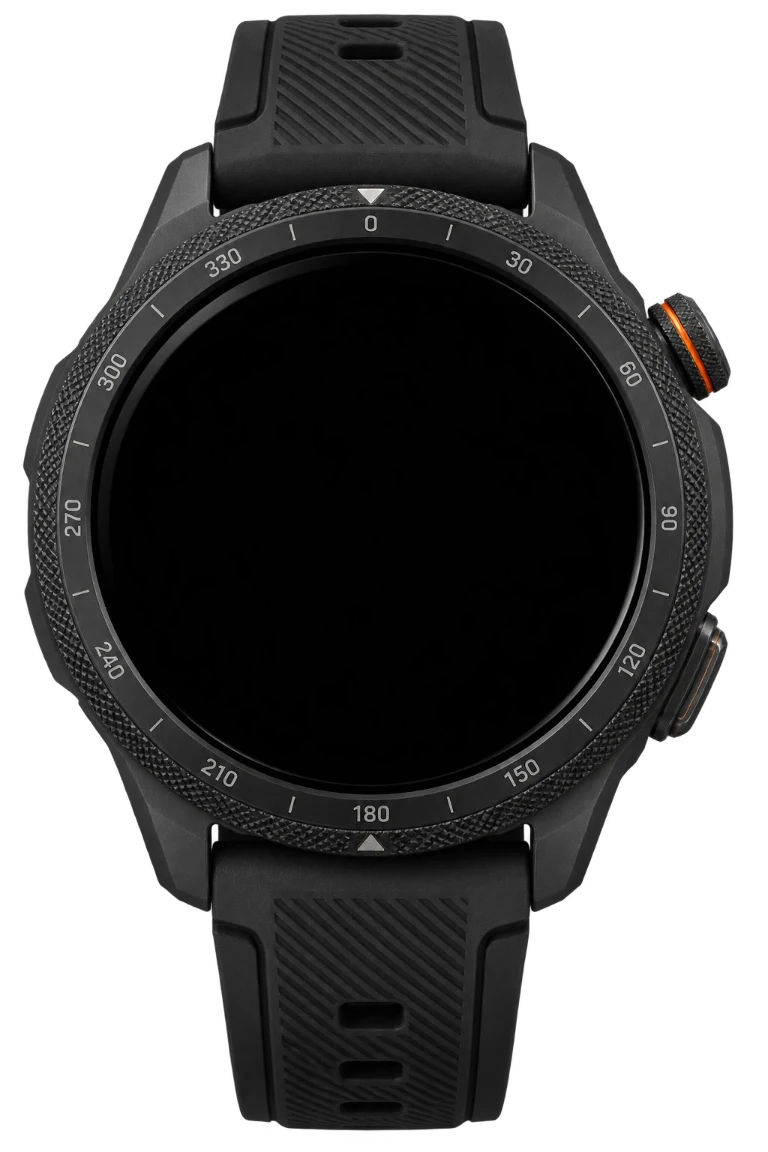
Interactive preview · simulated values
DATUM
Two precision registers frame a clear clock with previous and next values. Their indices travel from top to bottom with the minutes and seconds. Pro adds configurable stat readouts outside the left and right scales plus your own saved theme collection.
Fine tune the preview
Loading preview controls…
Make it yours.
Your colour collection.
5 / 100 savedChoose a complete theme or create one. Primary, secondary and accent colours stay coordinated across the face.
Edit selected palette
Saved in this browser, including before you sign in or buy Pro. Wear OS supports up to 100 themes. Huawei exports each theme as its own HWT.
- Two side readouts beside the scales: steps, heart rate, battery or hidden
- Orbit battery with the larger centre surviving last
- Five coordinated defaults plus your own saved primary, secondary and accent palettes
- Save, rename, delete and reset up to 100 themes in this browser
- Native Wear OS stat and theme choices
- Huawei stat and theme choices through guarded custom HWT exports
You can preview the edition now. Payments are not enabled yet.
Illustrative family mockup for Mobvoi TicWatch Pro 5 Enduro · 50.15 × 48 mm. Wear OS 4 or later is required for WFF packages. Native packages have been built. Physical device testing is pending. Mockups are illustrative. Installation & compatibility
A considered detail.
The free original stands on its own. Pro adds the native choices and authored editions listed above.
Keep it compatible.
Huawei packages and Wear OS packages are different. Choose the right platform and read the installation notes before transferring a file.
Read the guide